How to Add or Edit Guest Contact Information
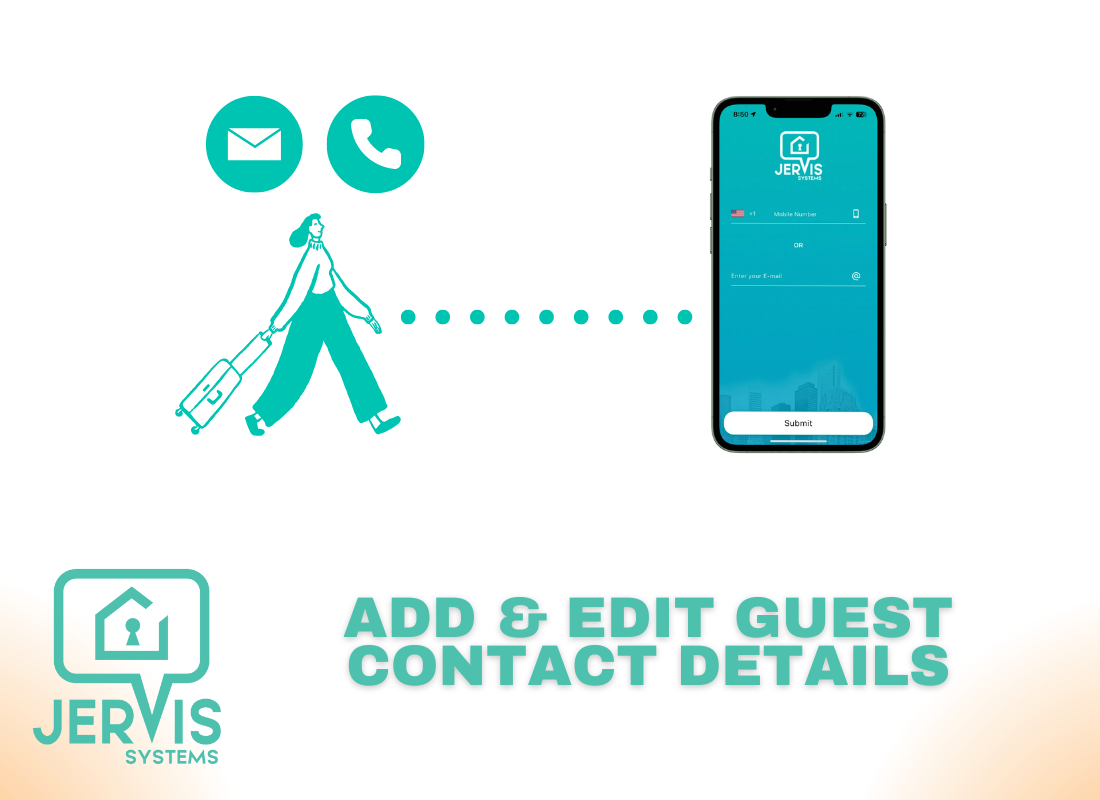
If you’re looking to share property access with Jervis Systems, you want to make sure guests get invited to access the Jervis Systems mobile or web app (AccessMyProperty.com).
With either option, the guest does not need a Jervis Systems account and can access the app for the duration of their reservation via the email address or phone number attached to their reservation. You can see additional details for setting up guest access via our mobile and web app guide here.
Both the guest’s phone number and email need to come through with the reservation for guests to be able to log into the Jervis Systems mobile or web app. Otherwise, their contact details need to be manually added or edited in Jervis.
Note: For international users, we recommend using an email address to access the app to that guests don’t have international SMS or text messaging charges.

Adding or editing guest contact information is handy at times when guests use a different phone number than what was provided with their reservation or they did not provide a phone number.
Note: If a guest tries to use a non-registered phone number, they will see a message that says that the phone number is not registered for use with Jervis Systems.
- From the Reservations page, you can confirm, add, or edit guest contact information by selecting the Edit option from the Operations menu on a reservation.

- From there, edit the guest details as needed. Be sure to save any changes. Once edited, the changes will immediately go into effect.
Note: In the event that a guest tries to log into the Jervis Systems app before their check-in time using their registered contact information, they will be shown a message that their devices will be visible only during their reservation.
Need additional help and support? Check out the additional user guides on our FAQ page. You can also get in touch with the Jervis Systems Support Team by submitting a request via the Support page in your account.
RECENT POSTS

Jervis Smart Device Integration Status
March 27, 2026


Jervis Systems®: The Future of Property Automation
June 26, 2020



Top 4 Tips On Renting Your Private Property Long-Term
July 21, 2020
Categories
- Airbnb Mastery (1)
- Integrations (10)
- Jervis Systems Guides (142)
- Property Projects (1)
- Real Estate Tips (5)
- Rental Property Tips (10)
- Technology Solutions (10)