
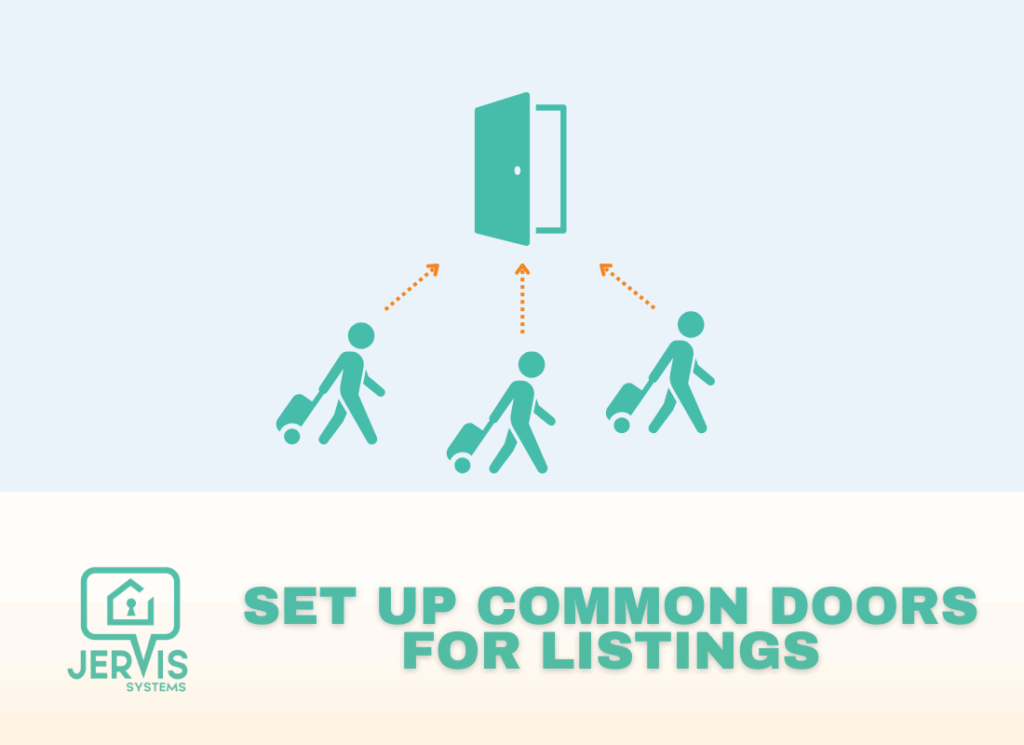
Every listing is different in its smart device setup. If you have doors that are used for entry for multiple listings, this guide shows you how to setup and assign your devices.
This is applicable for boutique hotels, hostels, and homes where individual rooms are rented.
- Be sure your devices are already imported to Jervis Systems. You can review additional information regarding importing devices in our guide here.
- From your Devices page, you will assign the device to its respective property. In the case of shared or common doors, you will select all of the listings that apply from the Assigned Listings drop-down.
In the example below, the front door allows entry for accessing 5 separate listings at the same property. All of those listings have been assigned to that device.

- Once assigned, the SET PIN will be generated for each indivdual reservation on the Reservations page.

- From here, you can choose to set up automated messaging with your property management system to send out the code prior to the reservation. You can see instructions for all of our integration partners on our FAQ page.
If you need additional support, you can always reach our team by sending a Support Request from your Jervis Systems dashboard.