
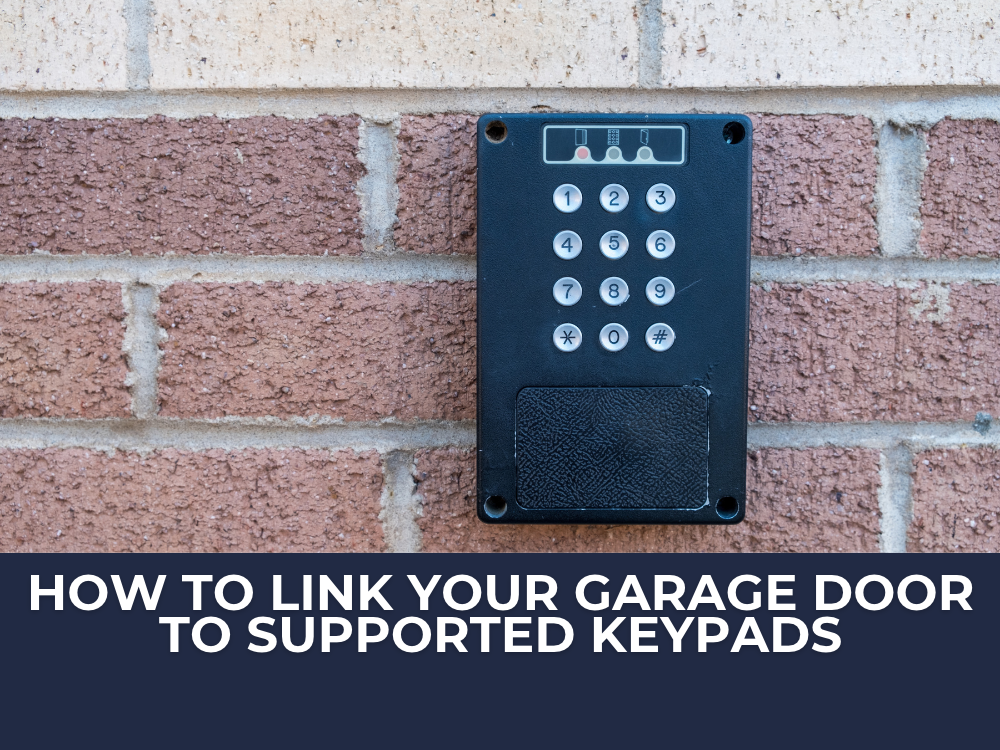
On the platform, you have a feature that lets you link any garage door to a Tuya, Verkada, or Unifi keypad. Once linked, entering the correct PIN on the keypad automatically opens the associated garage door.
NOTE: Guests will still be able to open the garage via the AccessMyProperty.com web app or Access My Property mobile app during their reservation.
Here’s how to set it up:
- Be sure your devices are already imported into your account.
- Go to Devices and find the desired keypad.
- Open its Operations (⋯) menu and choose Link Garage Door device from the drop-down menu. In the below image, we are using Tuya as the exemplar.
- Select the garage door you want to link (e.g., Loudoun Escape Single Garage) and then select the button to save.

- From then on, whenever a guest enters a valid PIN on that keypad, the linked garage door opens in real time.
- To unlink, choose No Garage Door device linked from the same dropdown.