
If one of your listings has more than one smart lock, you may have run into this: the gate keypad takes 4 digits, the unit door takes 6, and the guest’s code only fits one of them.
We’ve added a setting that fixes it, so a single guest code works on every keypad at the property.
The Problem:
Keypads don’t all accept the same number of digits. When a listing mixes lengths, there was no way to give the guest one code that every lock could hold:
- Minting the code at the longest keypad’s length handed the shorter lock digits it couldn’t store.
- A shorter code on a longer keypad left an open question: does that lock pad the missing digits at the front or at the back? It depends on the model.
The result was a guest standing at a door with a code that didn’t work.
The Fix: PIN Code Zero-Padding Fallback
When enabled, the platform creates the guest’s code at the shortest keypad’s length. Then:
- Shorter keypads get the real code, exactly as the guest sees it.
- Longer keypads get two versions of the code: one padded with leading zeros and one with trailing zeros.
Whichever convention that lock model uses, the guest’s code opens the door.
Example
A listing has a 4-digit keypad and a 6-digit keypad. The guest’s code is 6036.
| Keypad | Codes set on the lock |
|---|---|
| 4-digit | 6036 |
| 6-digit | 006036 and 603600 |
The guest is only ever told 6036.
How to turn it on
- Open Edit Property.
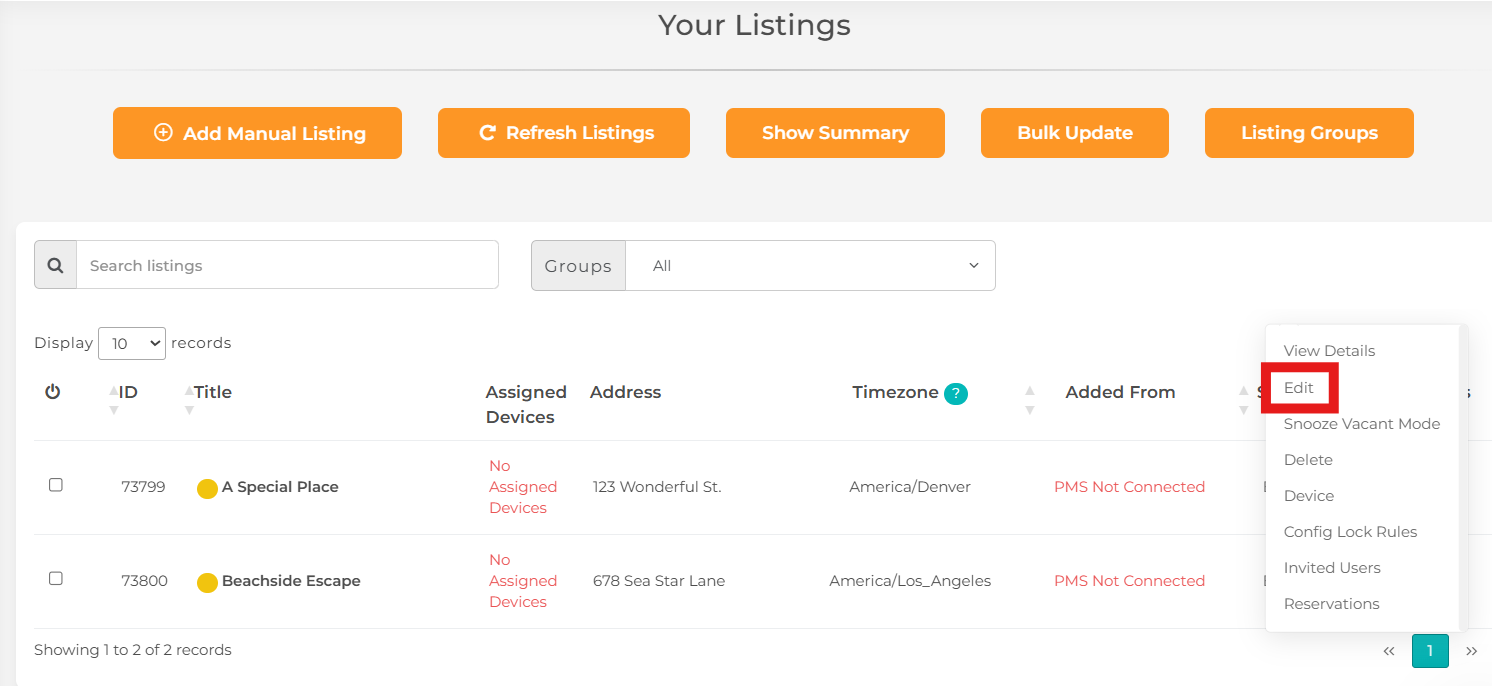
- Go to Door PIN Code Options.
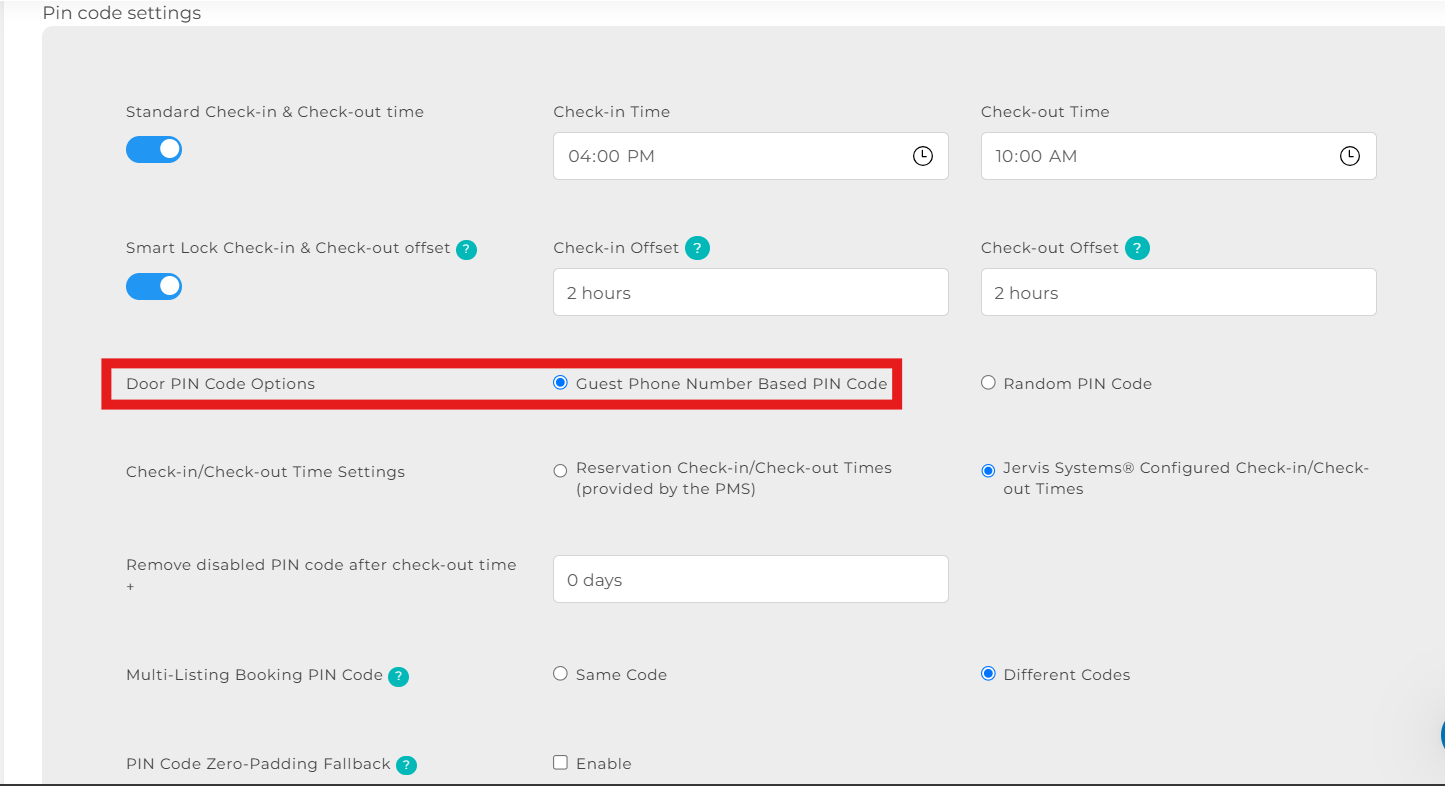
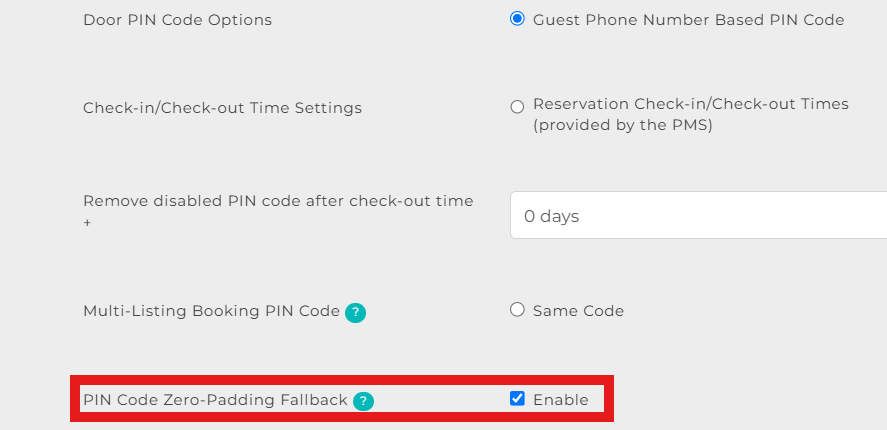
- Check PIN Code Zero-Padding Fallback → Enable.
- Save.
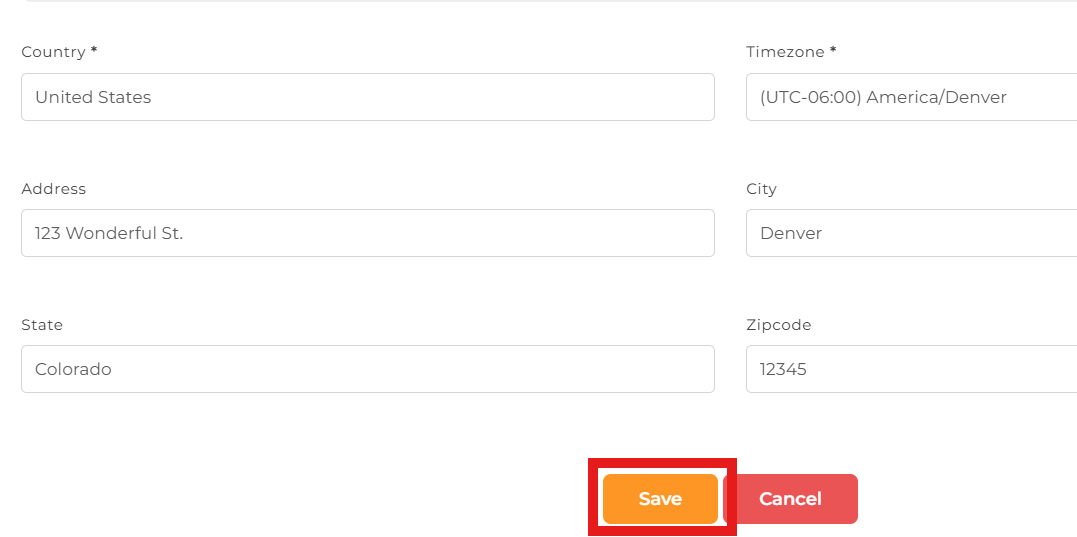
The setting is per listing and is off by default, so nothing changes until you opt in.
Good to know
- Nuki locks aren’t supported. Nuki can’t use the digit
0, so padding doesn’t apply to them. - It applies to new and updated codes. Upcoming reservations pick it up when their codes are next processed.
- Two codes per longer lock. Each longer keypad holds two entries per reservation, which matters if a lock has a small user capacity.