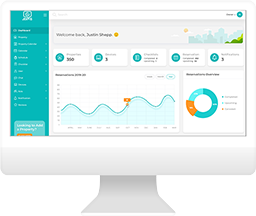

How to Add “Pincode-Only” Access
In Jervis, you have the ability to add PIN codes to apply to individuals without them needing to have a Jervis Systems user account.
Go to the Users tab, then select Add New Access.

Select the PIN Code Access Only tab, and then fill in the form details. Select all or the specific listings where you want this to apply.

Select the checkbox only if the code has already been added to the locks for this user.
If you want to add access for your team members, you can check out our guide here to take the route of adding a dashboard user.
On the guest side, you can create this access in Jervis by going to Reservations < Add New Access.
Need additional help and support? Check out the additional user guides on our FAQ page. You can also get help by submitting a Support Request via your Jervis Systems dashboard.
RECENT POSTS

Jervis Smart Device Integration Status
March 27, 2026


Jervis Systems®: The Future of Property Automation
June 26, 2020



Top 4 Tips On Renting Your Private Property Long-Term
July 21, 2020
Categories
- Airbnb Mastery (1)
- Integrations (10)
- Jervis Systems Guides (142)
- Property Projects (1)
- Real Estate Tips (5)
- Rental Property Tips (10)
- Technology Solutions (10)