
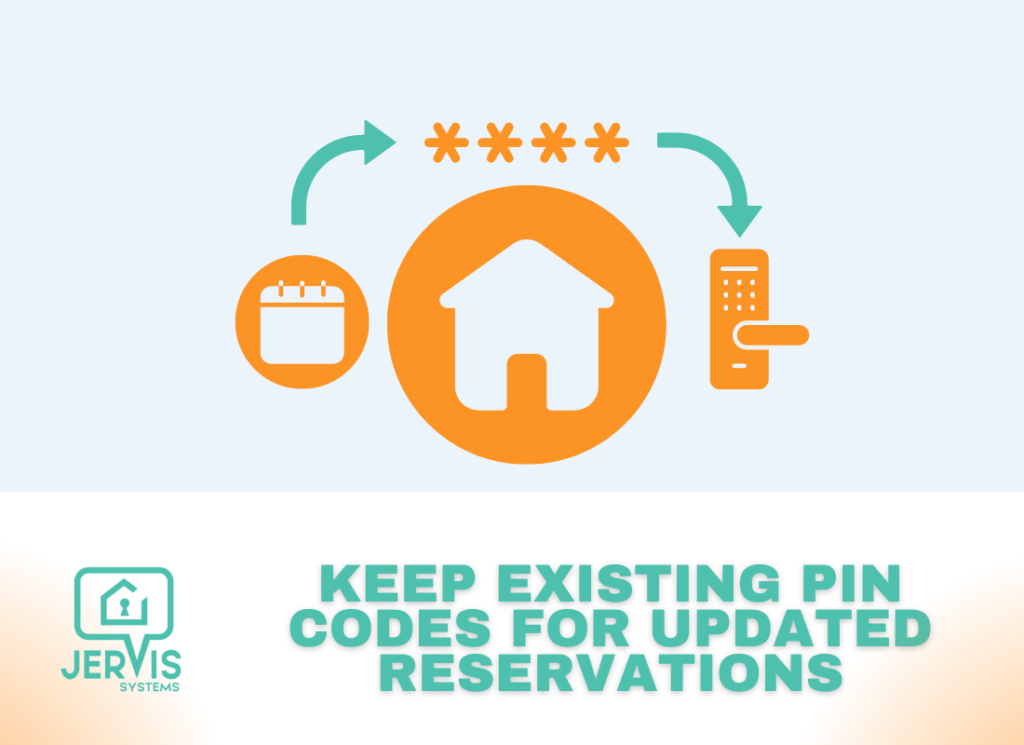
At times, guests will extend or change their stay, and as a property manager you want the peace of mind that your guests have the access they need, no matter what happens.
There are a couple of ways to account for the updated reservation and keep guest PIN codes the same throughout their stay:
- You can update the reservation in your property management system. This change will be sent to us from the PMS as an update notification and Jervis will automatically update your lock with the new access date and time.
- You can go to the Operations menu for your reservation line item and select Edit. This will allow you to change the reservation date and time from Jervis for the reservation.

- You can go into the vendor app for your smart lock and make the adjustment there. You’ll need to locate the label for the code that Jervis added. This is typically the guest’s first name (up to 5 or 6 characters) where the code is in the middle and ‘js’ is at the end. Example: Bobby1234js
If you want more information around managing PIN codes for guests, we recommend reading up on our best practices here. For any other support-related questions, you can submit a Support Request from your Jervis account.