
Jervis Systems Guides
Having Issues with Your STR Smart Locks? Here’s How to Troubleshoot
Having Wi-Fi Connectivity Issues? Here’s How to Troubleshoot
How Do Property Manager Notifications Work in Jervis Systems?
How Does the Rolling Two-Week Window Work in Jervis?

How the Jervis Systems Backup Code System Works

How to Add “Pincode-Only” Access
How to Add Master Lock Smart Locks to Jervis Systems®

How to Add or Change Offset Settings in Jervis Systems®
How to Add or Edit Guest Contact Information
How to Assign Common Doors for Your Listings

How to Assign User Roles in Jervis Systems

How to Cancel Your Jervis Systems Account
How to Connect & Setup Access for Your Beds24 Account

How to Connect & Setup Access for Your Lodgify Account
How to Connect & Set Up Your Ringo Account
How to Connect & Setup Access for Your Houfy Account
How to Connect & Setup Access for Your Tokeet Account
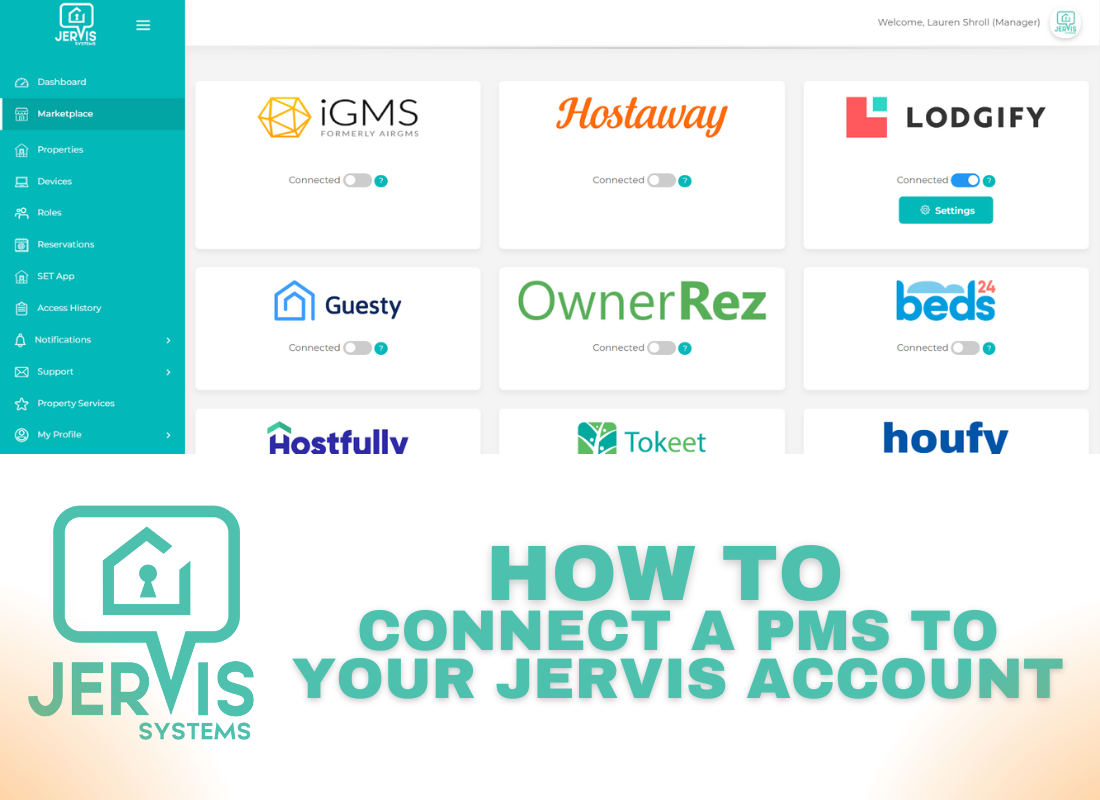
How to Connect a PMS to Your Jervis Systems Account®
How to Connect Cielo Thermostats and Mini Split Controllers to Jervis

How to Connect Host Tools to Jervis Systems®
How to Connect Keyless to Jervis Systems
How to Connect MEWS to Jervis Systems
How to Connect Streamline to Jervis Systems
How to Connect to Wyze in Jervis Systems
How to Connect Track to Jervis Systems

How to Connect Your AdvanceCM Account
How to Connect Your Airbnb Account to Jervis Systems® (via Hospitable)

How to Connect Your Cloudbeds Account
How to Connect Your dormakaba ACS Account
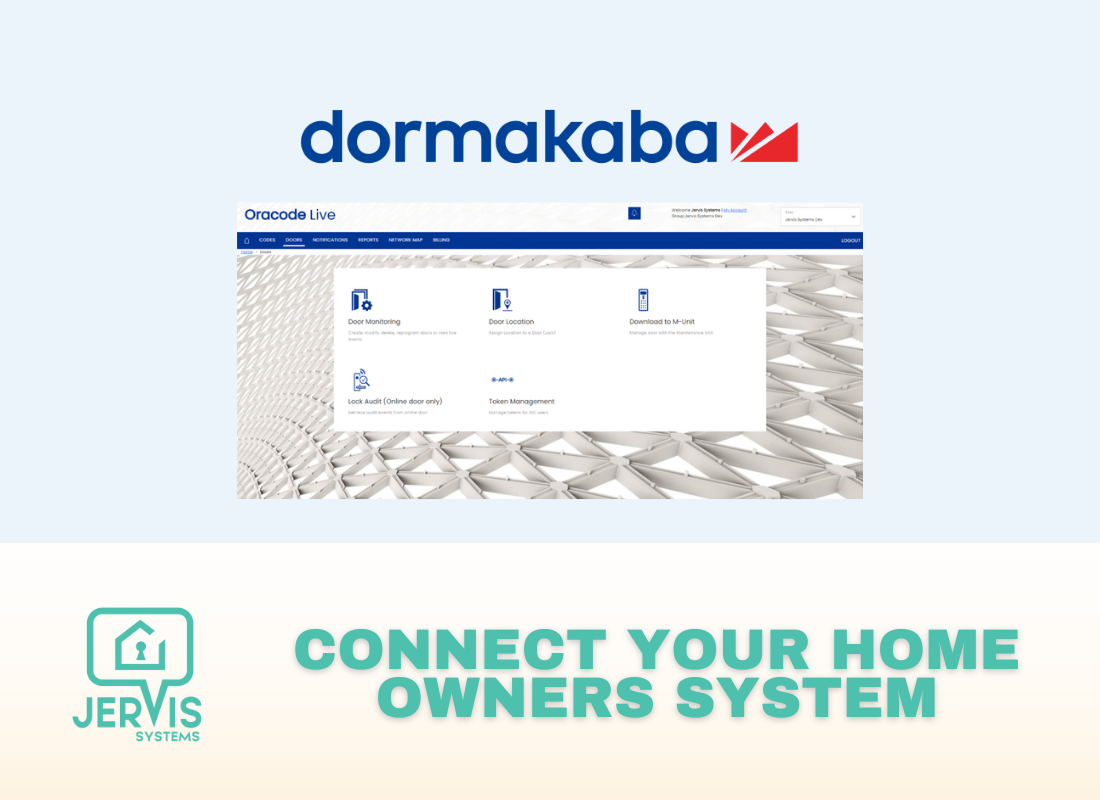
How to Connect Your dormakaba Home Owners System to Jervis Systems®

How to Connect Your dormakaba Oracode Smart Locks

How to Connect Your dormakaba Saffire EVO Smart Locks

How to Connect Your Escapia Account

How to Connect Your eviivo Account to Jervis Systems®

How to Connect Your Guesty Account to Jervis Systems®
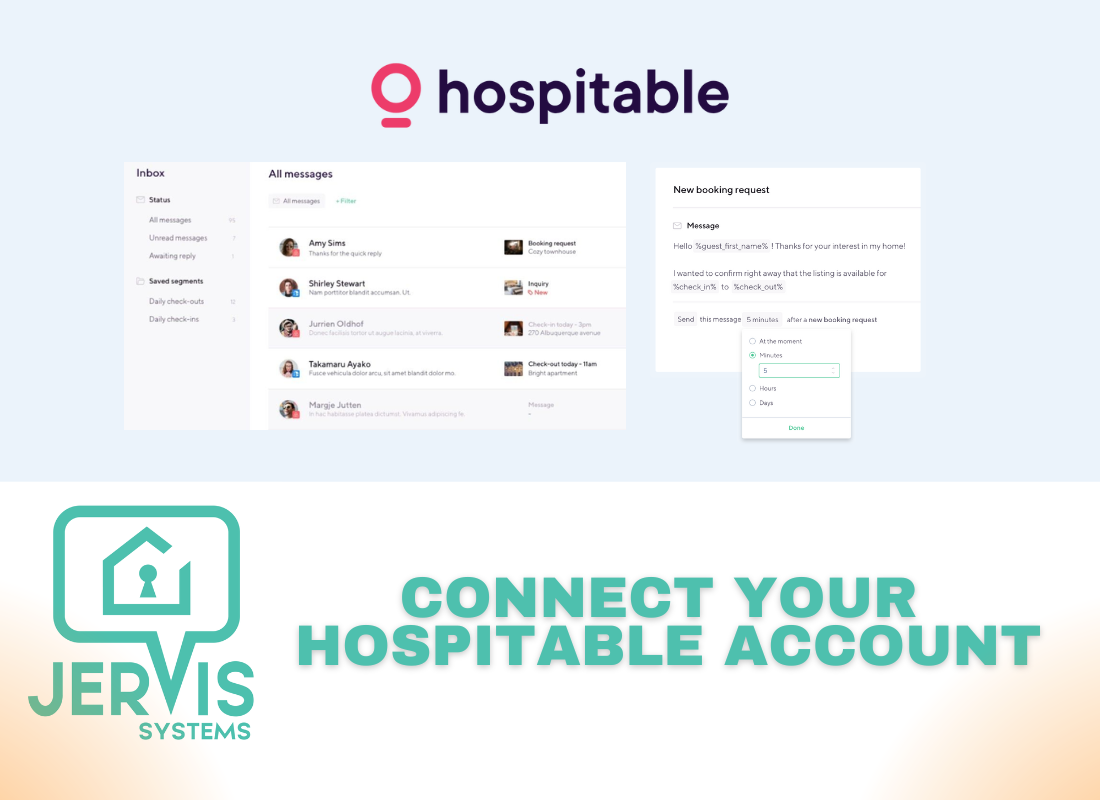
How to Connect Your Hospitable Account to Jervis Systems®
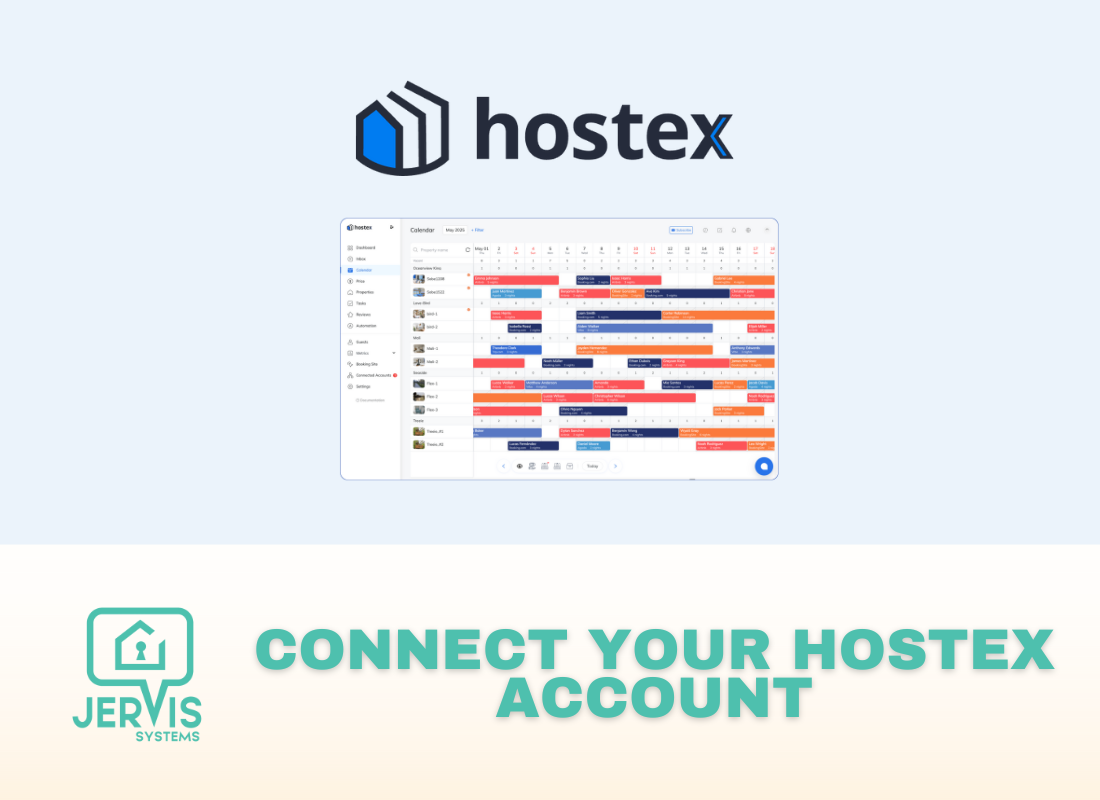
How to Connect Your Hostex Account to Jervis Systems

How to Connect Your Hostfully Account to Jervis Systems®

How to Connect Your Hostify Account to Jervis Systems®
How to Connect Your iCal Account
How to Connect Your iCal Account in Guesty

How to Connect Your IdoBooking Account to Jervis Systems®
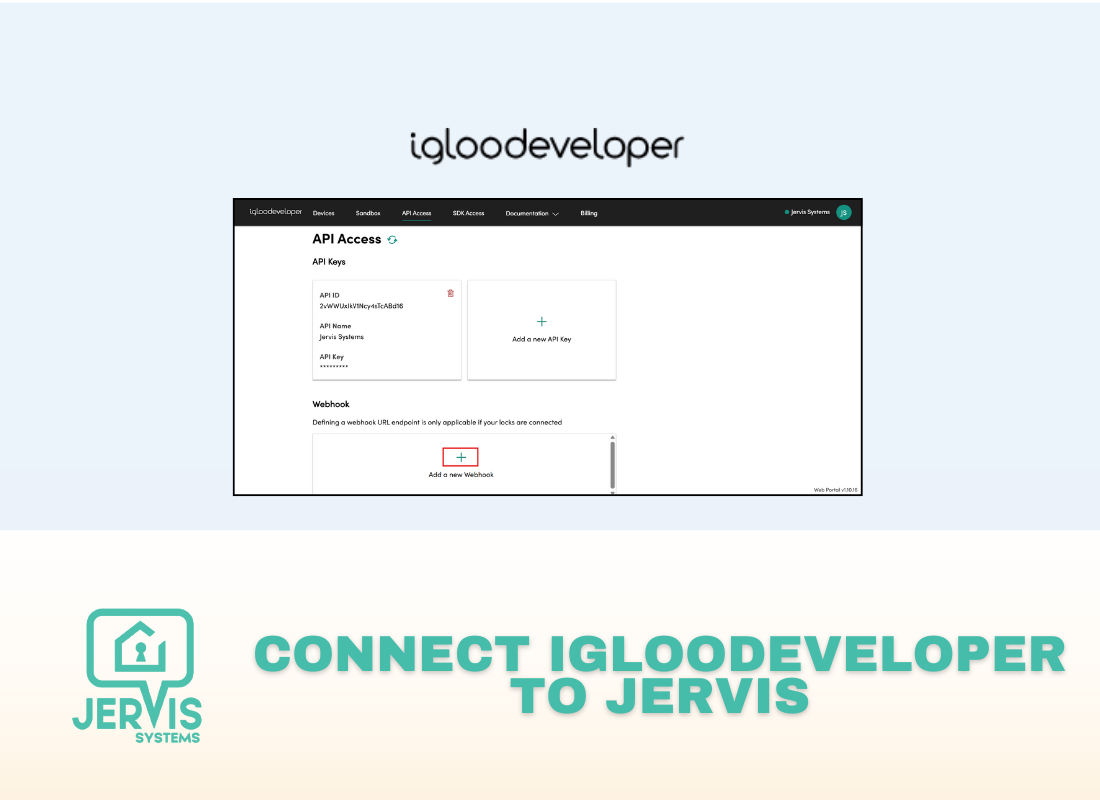
How to Connect Your igloodeveloper Account
How to Connect Your igloohome Account
How to Connect Your Jervis Systems Account to Hostaway

How to Connect Your Jervis Systems® Account to iGMS

How to Connect Your Jervis Systems® Account to Zapier
How to Connect Your KEYINCODE Devices
How to Connect Your KeyNest Account with Jervis Systems

How to Connect Your Kwikset & Weiser Devices to Jervis Systems
How to Connect Your LiftMaster or Chamberlain myQ Garage Door Openers with Jervis Systems®
How to Connect Your Minut Devices
How to Connect Your myQ Community Account to Jervis Systems
How to Connect Your Opera Account
How to Connect Your OwnerRez Account to Jervis Systems®

How to Connect Your Remootio Account to Jervis Systems®
How to Connect Your RentalWise Account to Jervis Systems®
How to Connect Your rezStream Account
How to Connect Your SALTO Smart Locks

How to Connect Your Shelly Devices

How to Connect Your Simpled Devices to Jervis Systems®
How to Connect Your Smily (BookingSync) Account to Jervis Systems®
How to Connect Your Smoobu Account to Jervis Systems®

How to Connect Your Square Account

How to Connect Your Studeo Account
How to Connect Your Tado Account
How to Connect Your Tedee Account

How to Connect Your TrueSecure Devices

How to Connect Your TTLock & TTLock Hotel Account
How to Connect Your UniFi Access Devices to Jervis

How to Connect Your Uplisting Account to Jervis Systems®

How to Create a Keyless Access “Backup Plan” for Your STR
How to Create Listing Groups in Jervis
How to Disconnect & Reconnect Your Devices in Jervis Systems®
How to Edit Reservations (+ Update PIN Code Settings)

How to Edit Switch Settings in Jervis
How to Generate a Nuki API Access Token
How to Get Started with Upsells in Jervis Systems
How to Import & Refresh Listings in Jervis Systems®
How to Import & Setup Your Google Nest Thermostats
How to Import Thermostats in Jervis Systems
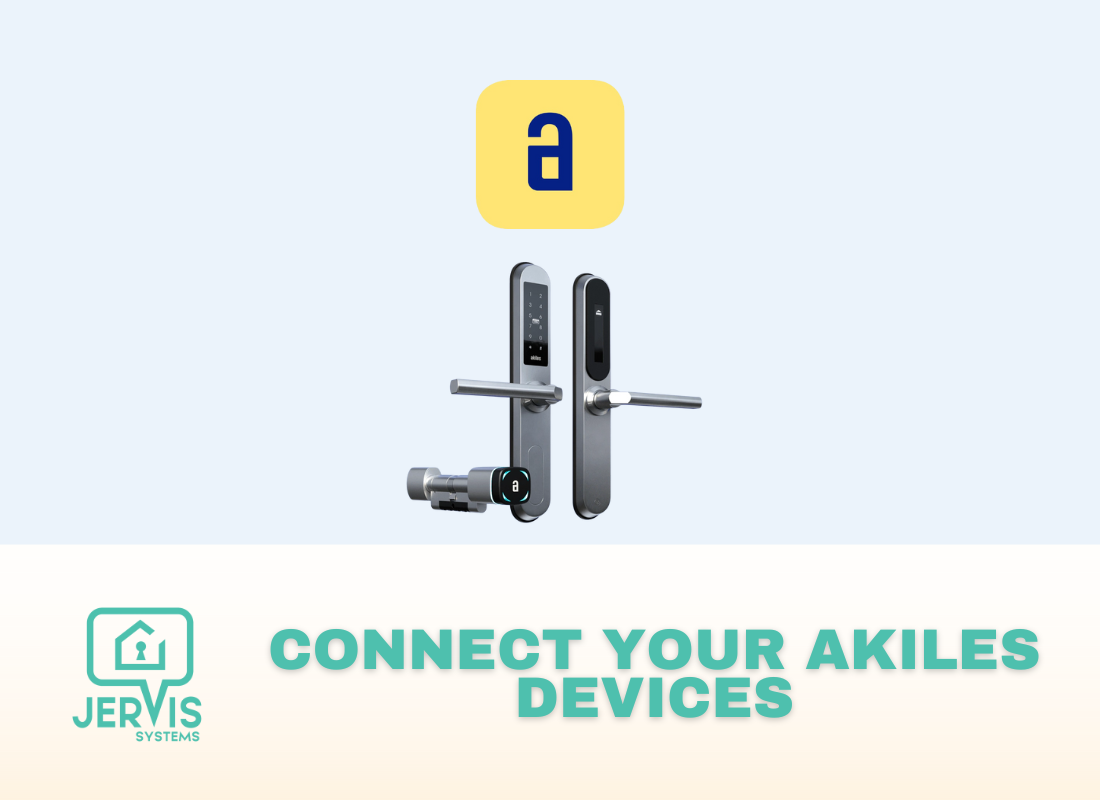
How to Import Your Akiles Devices into Jervis Systems
How to Import Your DUSAW Devices
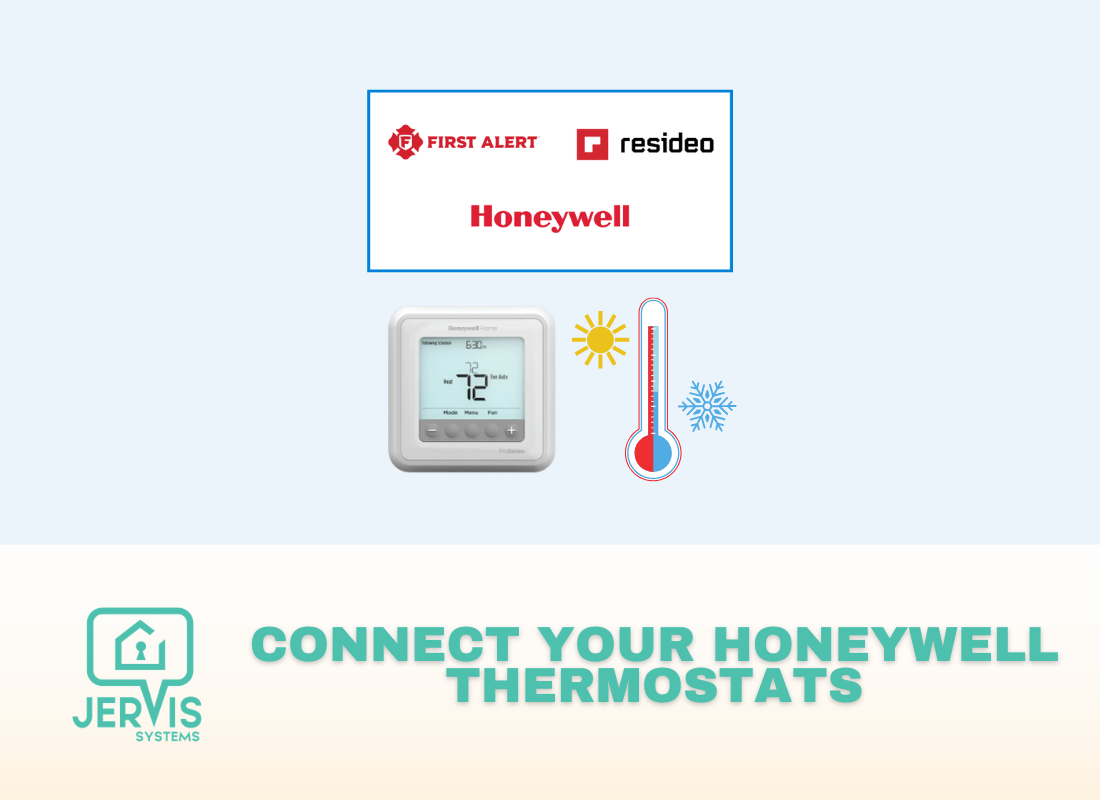
How to Import Your Honeywell Thermostats Into Jervis Systems®
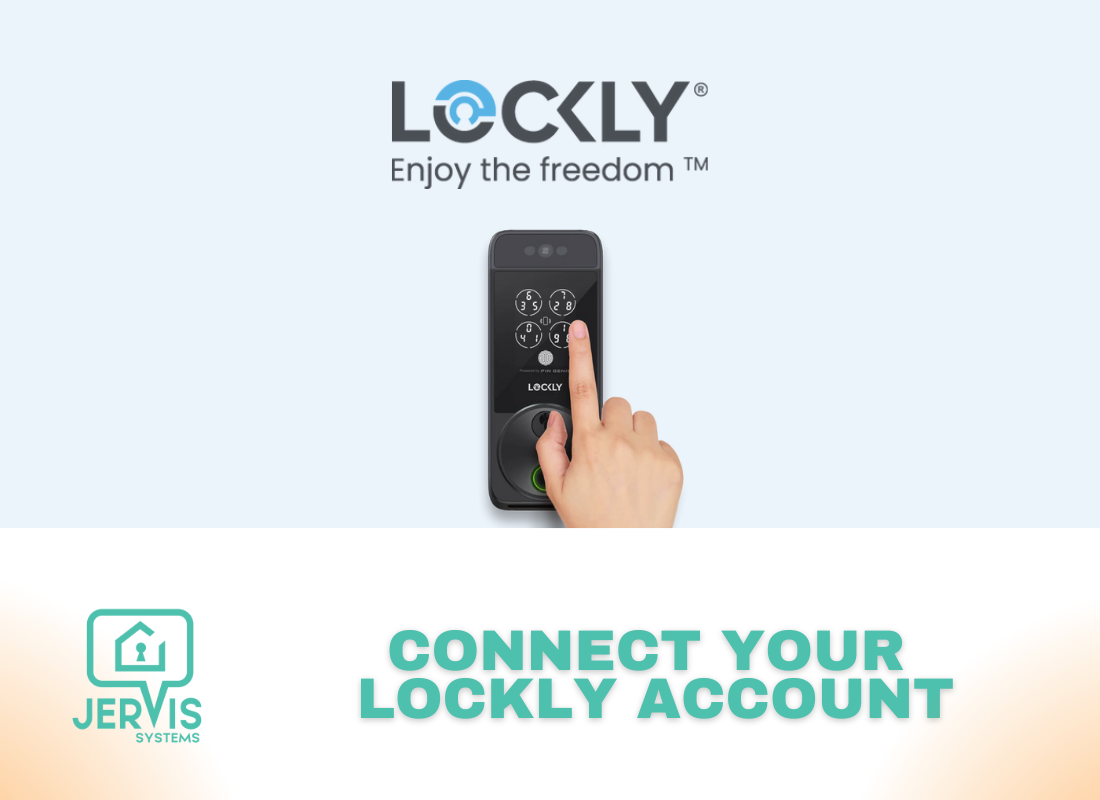
How to Import Your Lockly Smart Locks
How to Import Your RemoteLock Devices
How to Import Your Sensi Devices
How to Import Your Sensibo Devices
How to Import Your SmartThings-Connected Devices to Jervis®
How to Import Your Tuya Devices to Jervis Systems®
How to Keep PIN Codes the Same for Updated Reservations
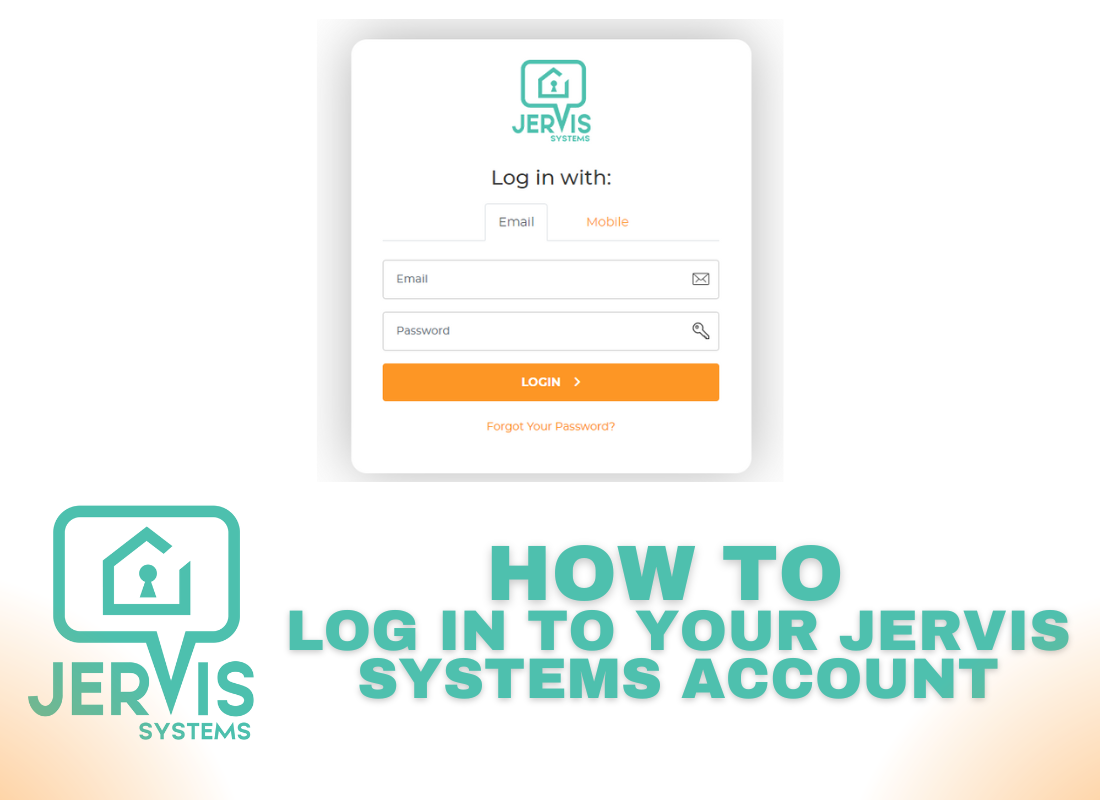
How to Log In to Jervis Systems®
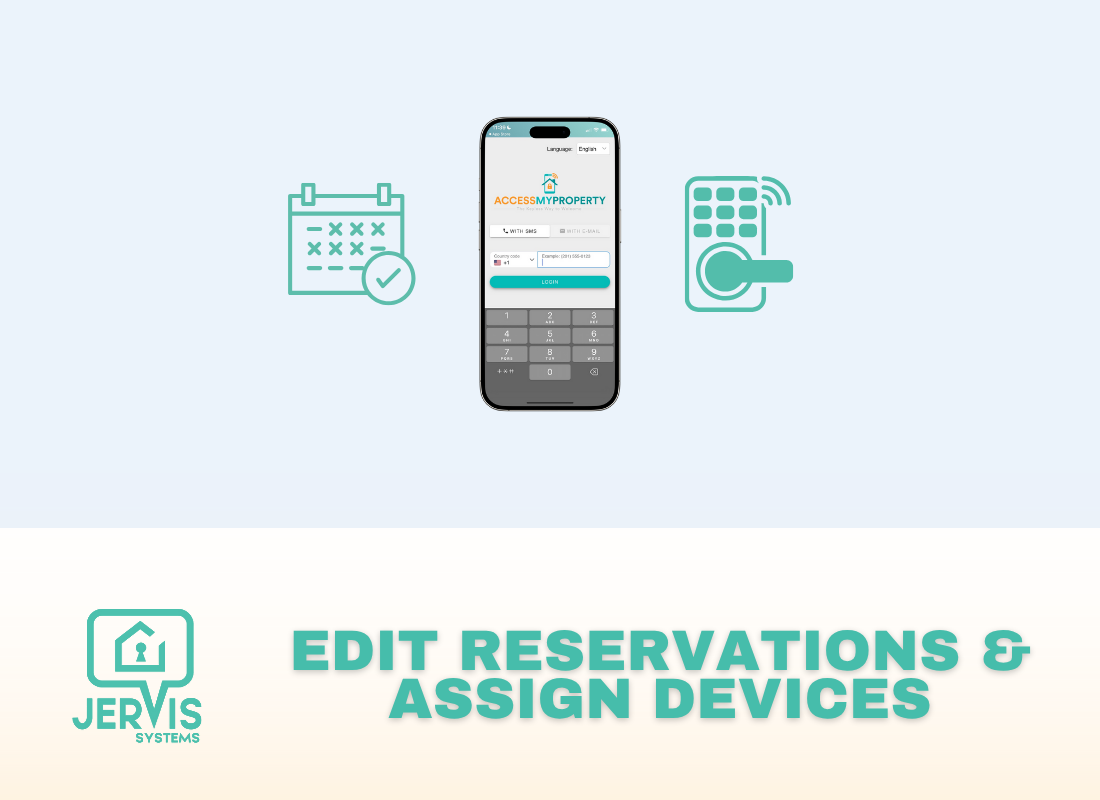
How to Manage Devices & Reservations in the Access My Property App

How to Provide Guests Access to Your Devices via the Access My Property Mobile and Web App
How to Reconnect Devices After Factory Resetting or Replacing a Lock
How to Refresh Devices in Jervis Systems®
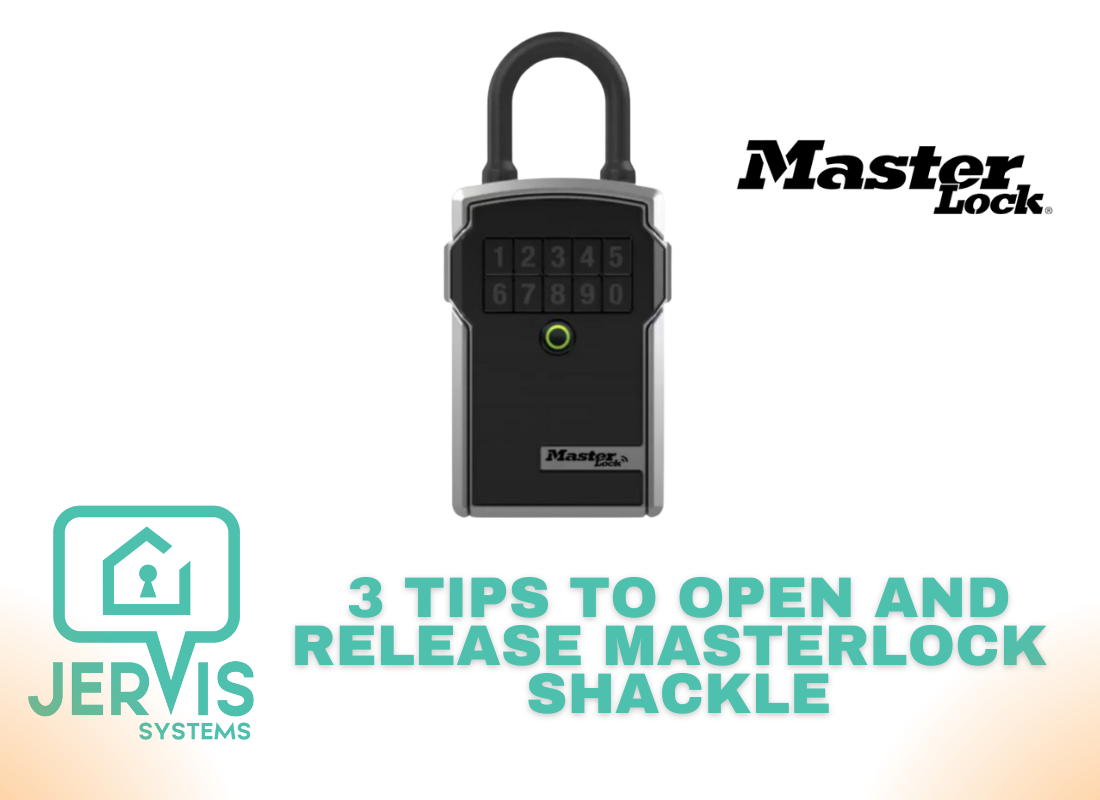
How to Release the Shackle on the Master Lock Bluetooth Lock Boxes
How to Reprocess Your Reservations in Jervis®
How to Set and Switch Plans
How to Set Priority Levels & Other Rules on Your Locks

How to Set Up a Custom Subdomain
How to Set Up Captive Portal Settings for NETGEAR
How to Set Up Captive Portal Settings for UniFi Access Points

How to Set Up Default Settings in Jervis
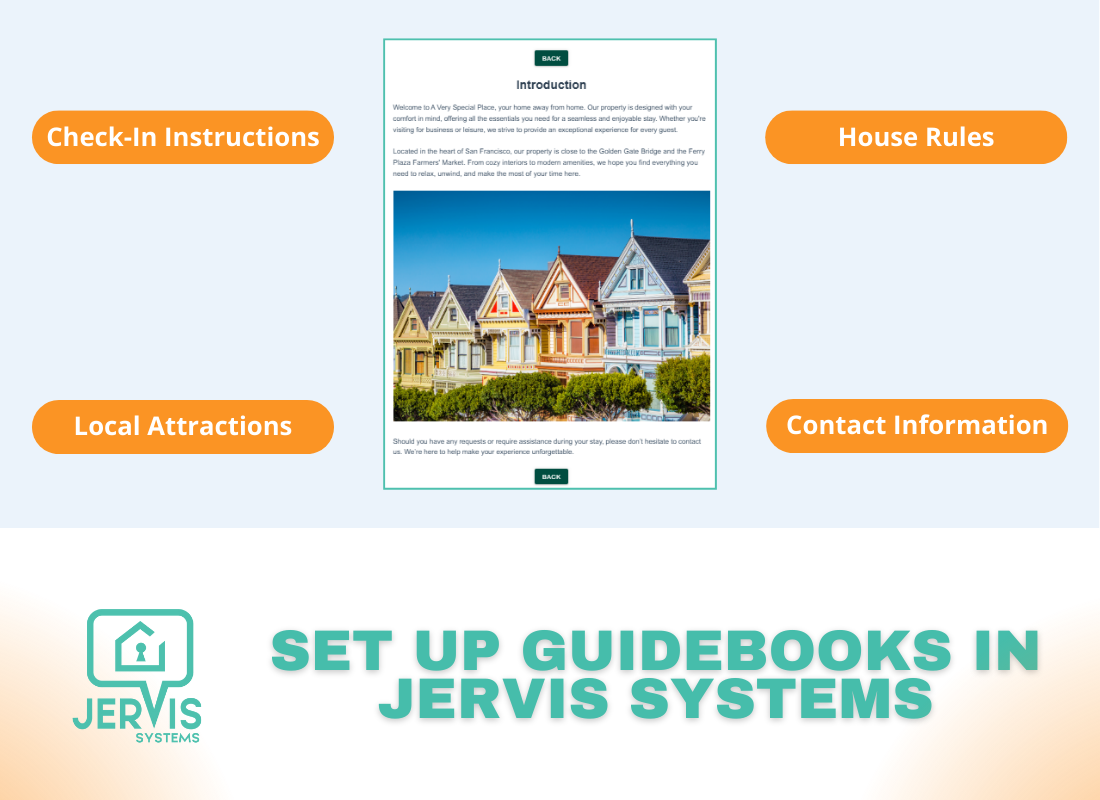
How to Set Up Guest Guidebooks
How to Set Up Guest Notifications in Jervis Systems
How to Set Up Guest Wi-Fi (Commercial Access Point-Based)
How to Set Up Guest Wi-Fi (DNS-Based)
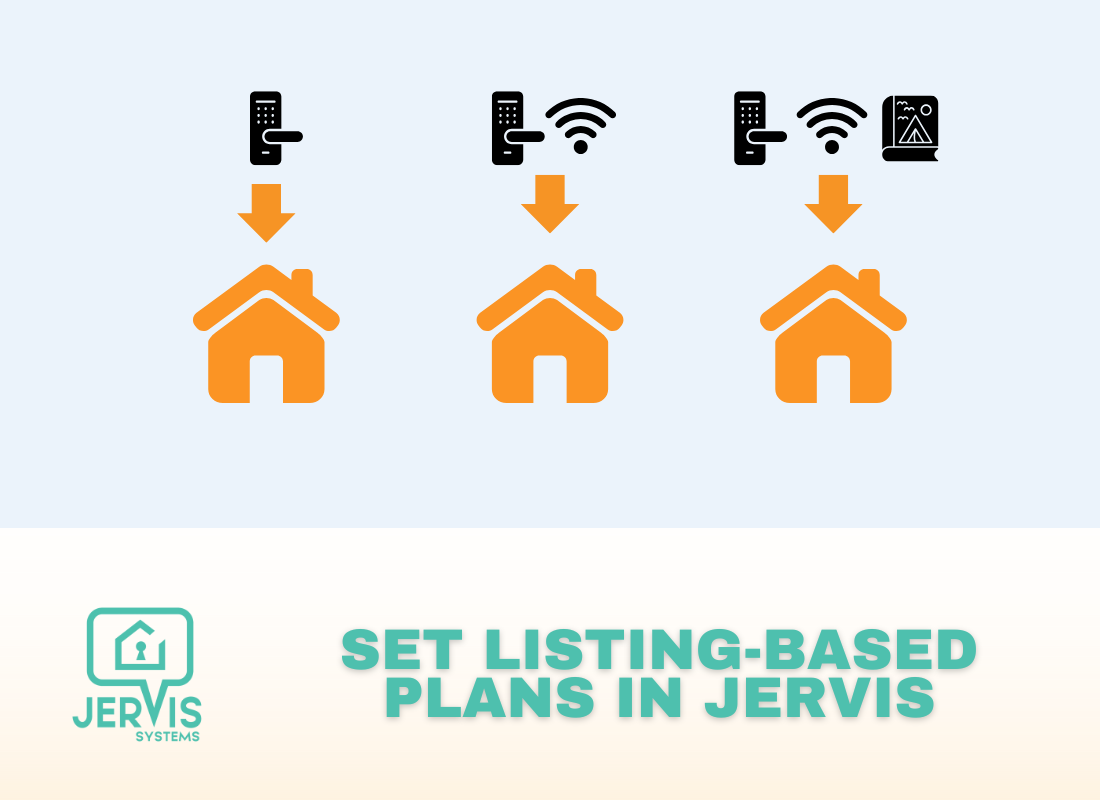
How to Set Up Listing-Based Plans

How to Set Up Low Battery Notifications for Team Members

How to Set Up PIN Codes (Random + Phone Number-Based)
How to Set Up Tuya Keypads at Your Property

How to Set Up White-Labeling in Jervis Systems
How to Set Up Your Xthings Home (Formerly U home/U-tec) Ultraloq Devices
How to Set Up, View & Edit Access for dormakaba Saffire EVO Active Codes
How to Sign Up for a Jervis Systems® Account
How to Submit a Support Request in Jervis Systems
How to Submit Credentials for Your Support Requests
How to Switch from Other Automation Tools to Jervis
How to Switch Property Management Systems on Jervis®
How to Test Your Wi-Fi Strength
How to Troubleshoot Code Issues Using Logs in Jervis

How to Troubleshoot False Yale Battery Levels
How to Troubleshoot Smart Lock Bridge and Gateway Issues

How to Turn Devices On or Off for Reservations
How to Update August Battery Levels & Troubleshoot False Battery Alerts
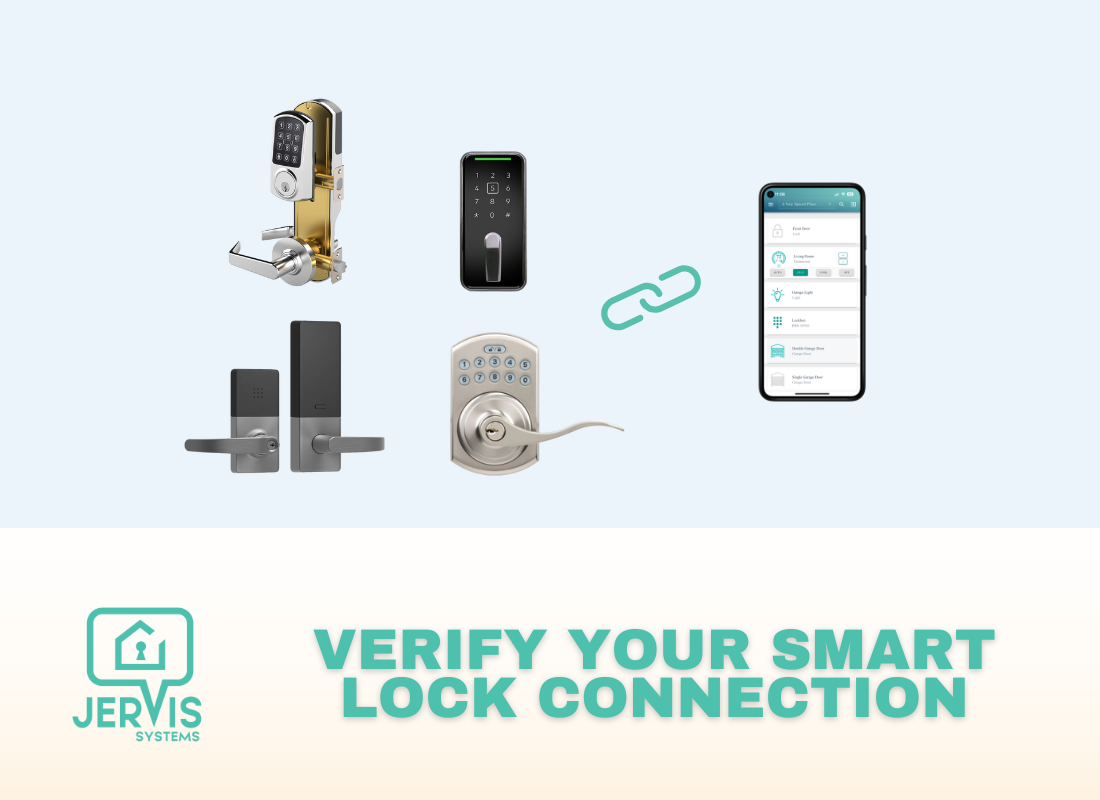
How to Verify the Connection for Smart Locks
How Use the Cleaning Management Add-On

Jervis Smart Device Integration Status
Jervis Systems: Quick Start Onboarding Guide
Lodgify: How to Enable Jervis® Messaging for Last Minute Reservations

OwnerRez: How to Enable Jervis® Messaging for Last Minute Reservations
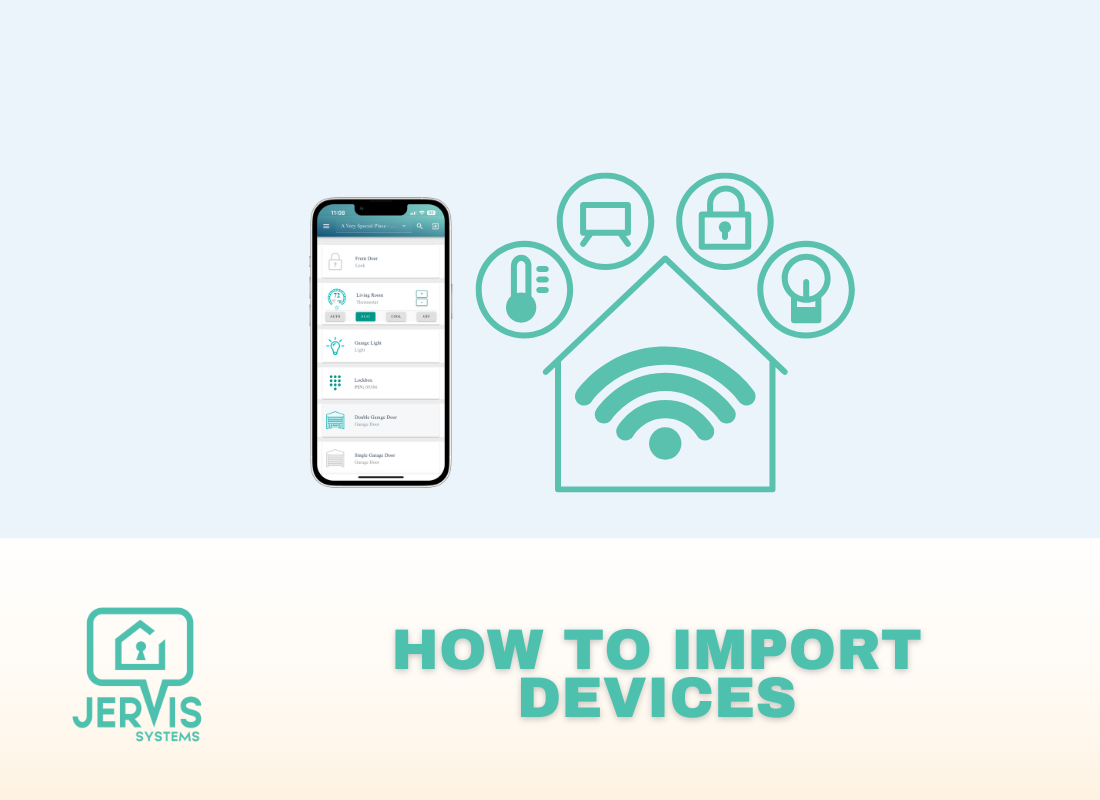
Quick Start Guide to Importing Devices in Jervis
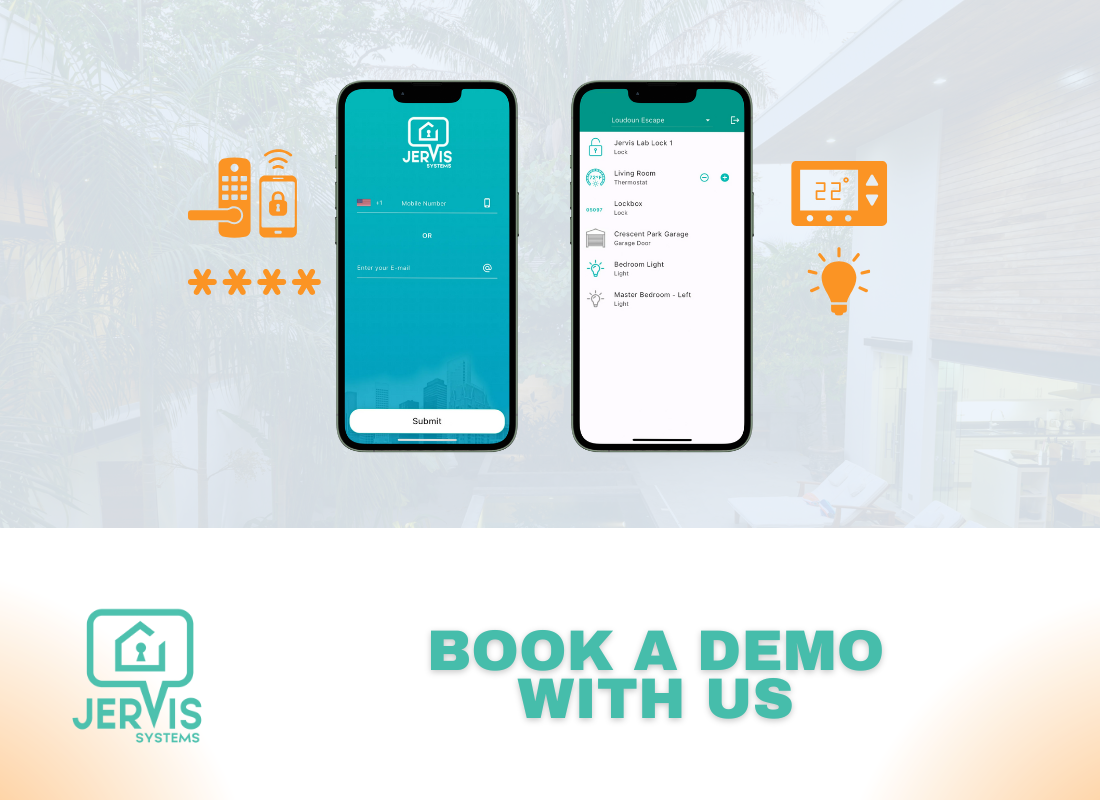
Request a Demo with Jervis Systems
Still Need Help? Contact Jervis Support
The Ultimate Guide to Jervis Error Codes
The Ultimate Guide to Jervis® Hot Tub & Pool Heater Settings
The Ultimate Guide to Jervis® Thermostat Settings
Troubleshooting Battery Issues and Non-Working Notifications
Why & How to Use a Separate Router for Guest Wi-Fi
