
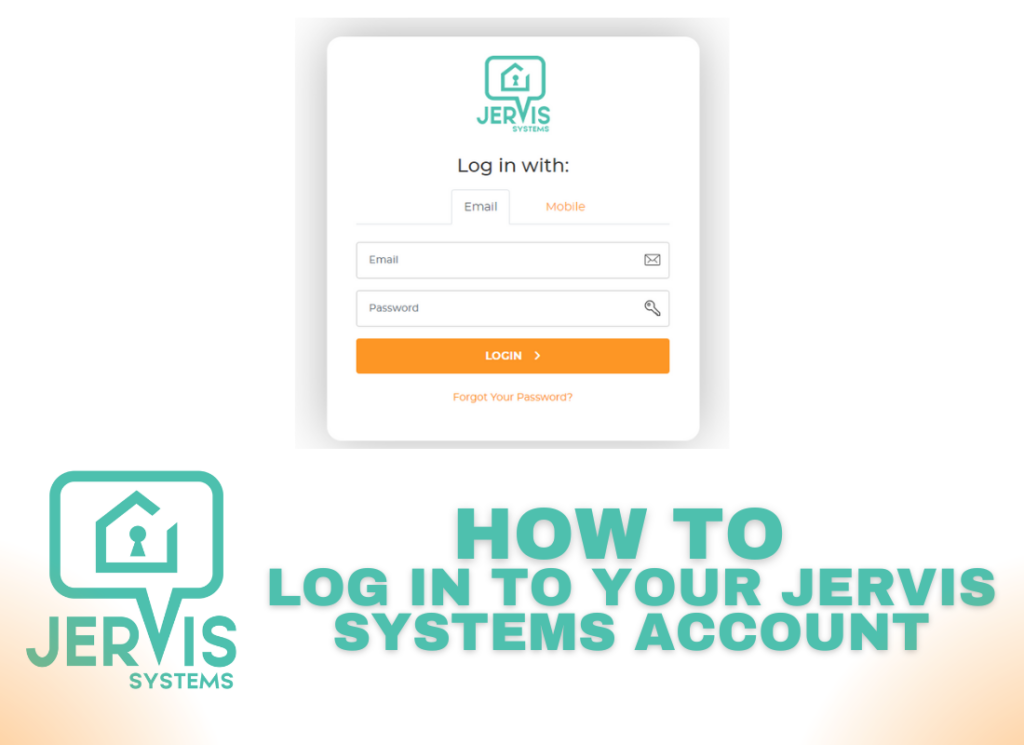
If you’re just getting started with Jervis, we’ve prepared a quick guide on how to log into your Jervis Systems® account.
- Open https://www.jervis.systems on your computer or smartphone and select the option to log in.

- Enter your email and password, or use your phone number to send yourself a one-time password to access.

- If you’re logging in via email and have enabled two-factor authentication, you’ll need to open your Authenticator App to retrieve your one-time password. For additional steps on setting up multi-factor authorization, click here.

Success! You have successfully logged in to your Jervis Systems account!
