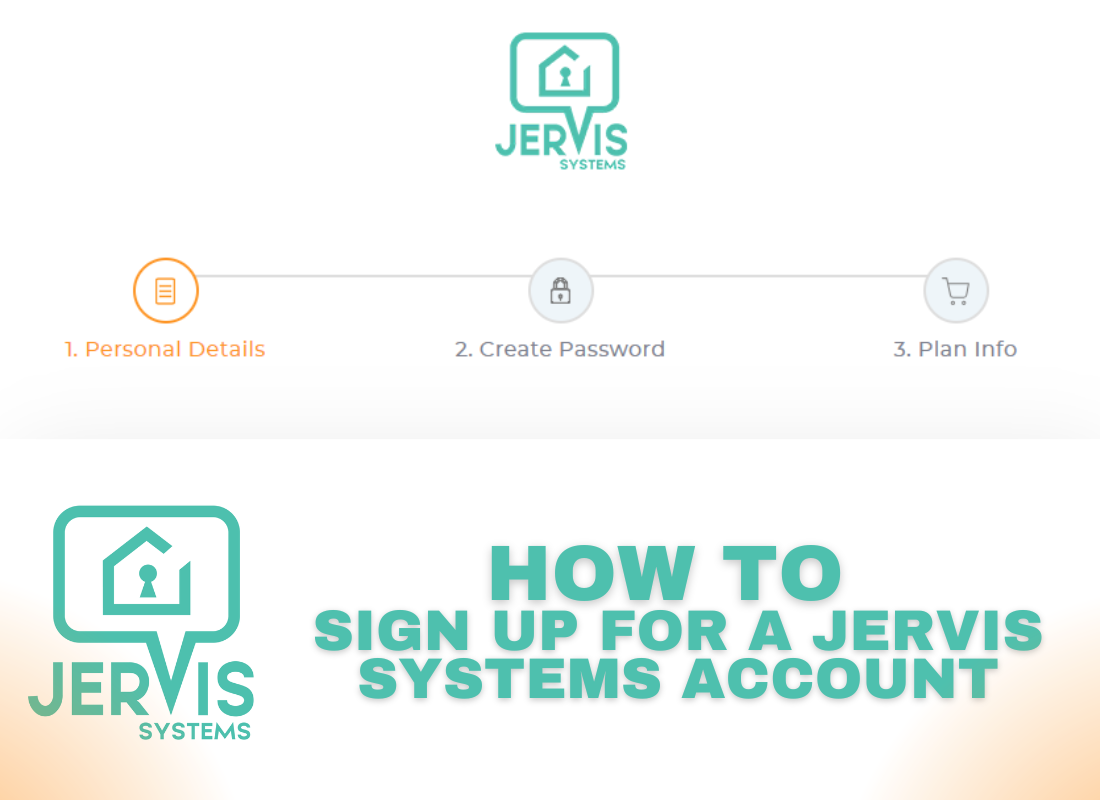
How to Sign Up for a Jervis Systems® Account
Signing up for a Jervis Systems® account is quick and easy.
- Navigate to https://www.jervis.systems on your computer or smartphone and click the option to sign up.

2. Enter basic details such as your name, email address, company name, and phone number.

4. Create a secure password.

5. Choose your role and enter your company name (optional).

6. The default plan is our $5/month plan. Input your credit card details and coupon code, if you have one.

7. Now, set up multi-factor authentication.

8. Following Step 1 – Download an authentication app such as Google Authenticator or Microsoft Authenticator.

9. Follow Step 2 – Scan the QR code using the Authenticator app and enter the randomized single-use password.

10. Success! You have now completed your Jervis Systems account. Check your inbox for a verification email. Then sign in with your new account credentials.

Now that you have your account created, check out our help guides on adding your first property, connecting to a property management system, and connecting your smart devices.
If you have any questions, feel free to reach out via our Contact Us form.
RECENT POSTS

Jervis Smart Device Integration Status
March 27, 2026


Jervis Systems®: The Future of Property Automation
June 26, 2020



Top 4 Tips On Renting Your Private Property Long-Term
July 21, 2020
Categories
- Airbnb Mastery (1)
- Integrations (10)
- Jervis Systems Guides (142)
- Property Projects (1)
- Real Estate Tips (5)
- Rental Property Tips (10)
- Technology Solutions (10)