How to Verify the Connection for Smart Locks
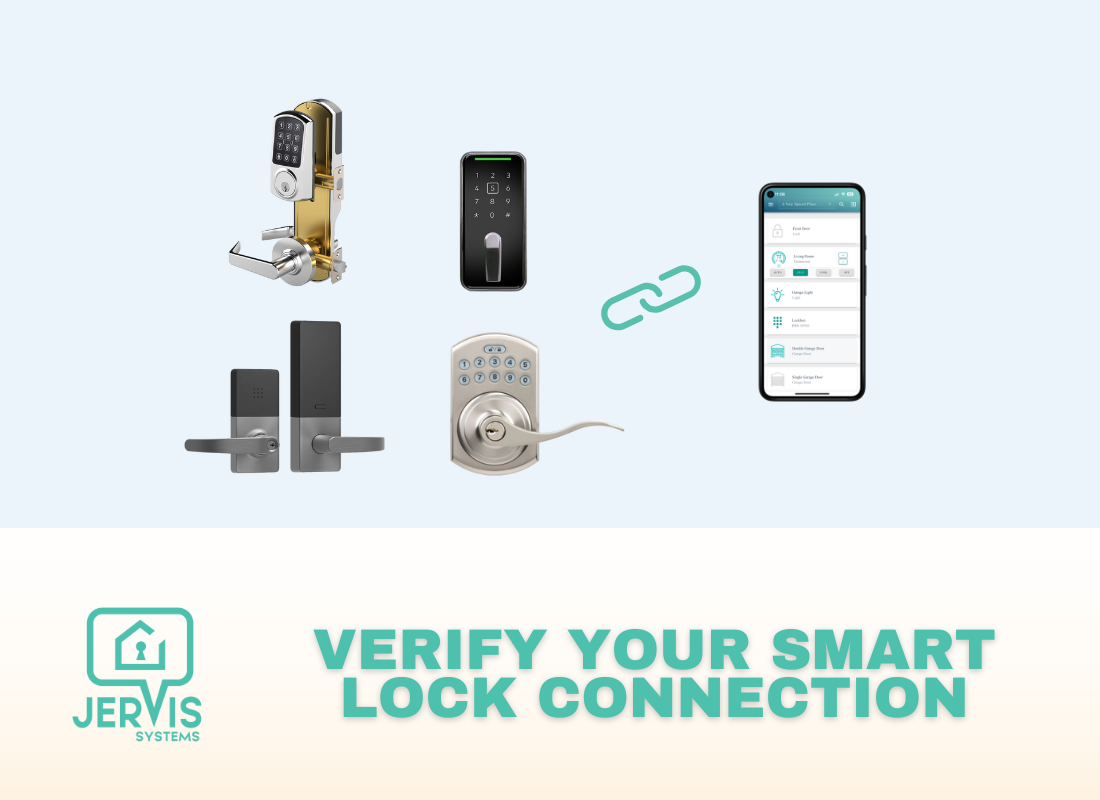
Trying to understand if your smart locks are connected and working properly? There are two ways to test the connection for your devices.
Note: Do not use the same phone number or email address associated with your Jervis account when testing guest access and reservations.
- Once your devices are imported and assigned to a listing, head over to the SET App page. If the connection is good, you should see the current status of the lock (locked or unlocked) and not a triangle error icon:

- Another way is to add a test reservation by navigating to the Reservations page and selecting the button at the top of the page to Add New Access:

Add the access times and click Save.

If the code is being generated successfully and showing on the Reservations page under the SET PIN column, and you see the code on the device’s vendor app, this means that the connection is operational.
In any case of testing, if you see any errors on the Reservations page, click on the View Error option to troubleshoot. This will show the exact error message our system receives from the vendor. Check out our guide here on what the different error codes mean.
RECENT POSTS

Jervis Smart Device Integration Status
March 27, 2026


Jervis Systems®: The Future of Property Automation
June 26, 2020



Top 4 Tips On Renting Your Private Property Long-Term
July 21, 2020
Categories
- Airbnb Mastery (1)
- Integrations (10)
- Jervis Systems Guides (142)
- Property Projects (1)
- Real Estate Tips (5)
- Rental Property Tips (10)
- Technology Solutions (10)