How to Set Up Listing-Based Plans
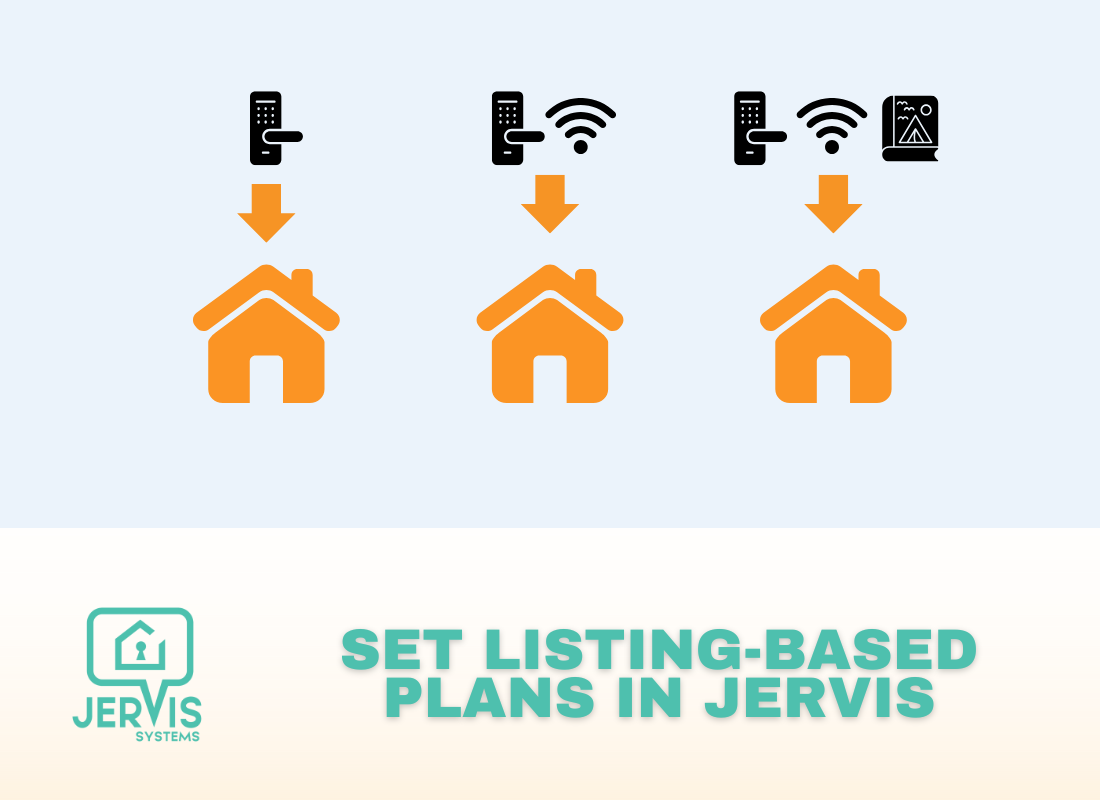
This guide will show you how to edit your billing settings to select different plans per listing.
- Navigate to My Profile > Billing, and select the Property-Wise Plan button.

- From here, you can select the listings you want to apply to each plan. You can reference all plan details on our pricing page here.

- Select Update to apply all changes. If your 14-day free trial is currently active, the charges will apply when the trial period ends. Outside of the trial period, the charges for any new selections will be applied to the next invoice.
Need additional help and support? Check out the user guides on our FAQ page. You can also get help by submitting a Support Request via your Jervis Systems dashboard.
RECENT POSTS

Jervis Smart Device Integration Status
March 27, 2026


Jervis Systems®: The Future of Property Automation
June 26, 2020



Top 4 Tips On Renting Your Private Property Long-Term
July 21, 2020
Categories
- Airbnb Mastery (1)
- Integrations (10)
- Jervis Systems Guides (142)
- Property Projects (1)
- Real Estate Tips (5)
- Rental Property Tips (10)
- Technology Solutions (10)